
Restaurant Settings
Select menu items to highlight on your restaurant website.
In FoodEase Office: Open this page
Featured Items controls which menu products appear in the featured section of your restaurant website — ideal for promotions, new launches, or bestsellers.
You need Edit Restaurant (CAN_EDIT_RESTAURANT) and Has Website enabled on Restaurant Info.
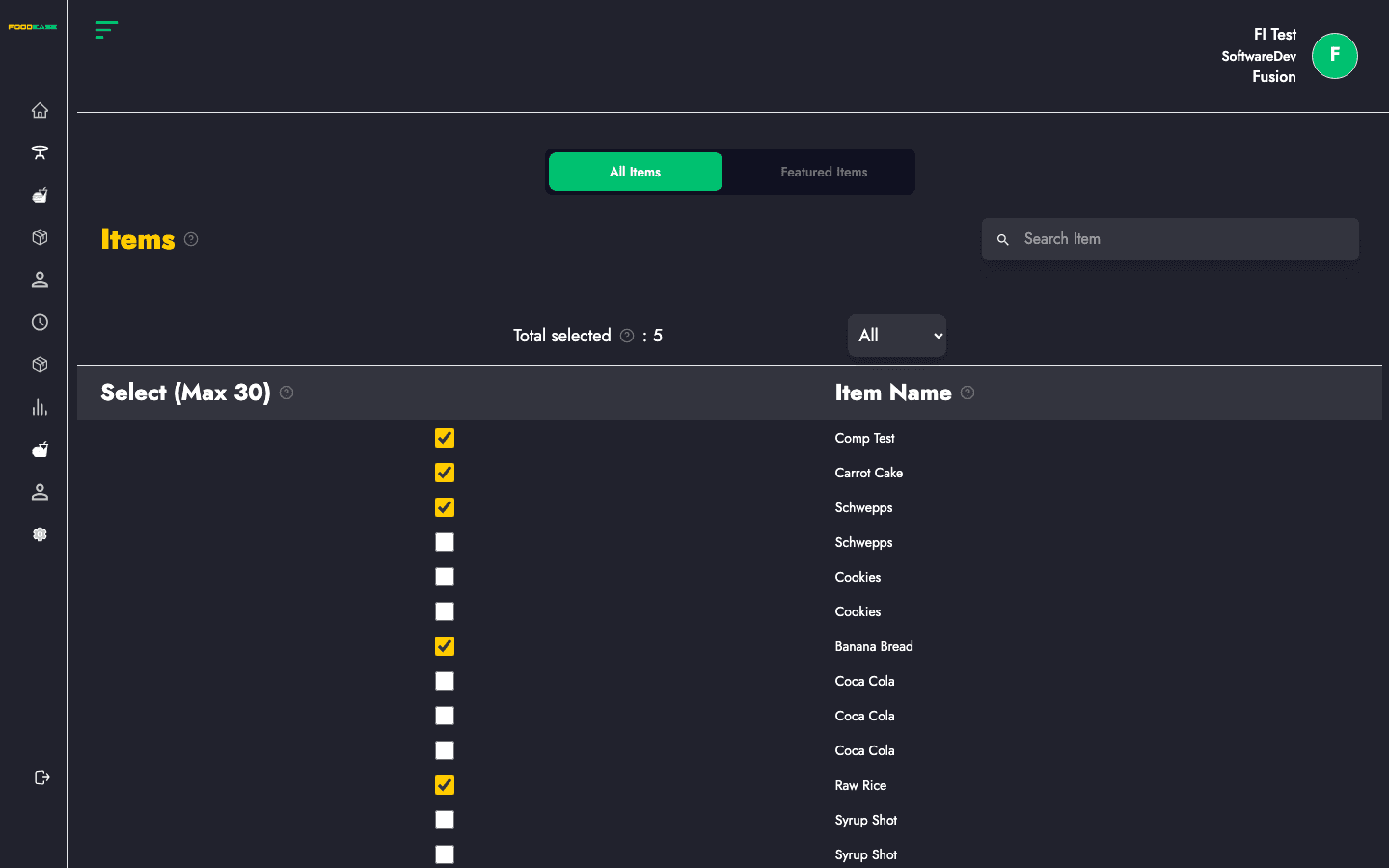
Two tabs at the top:
| Tab | Purpose |
|---|---|
| All Items | Browse and search your menu to add items to the featured list |
| Featured Items | Review and configure items already marked as featured |
Only active menu items from Items appear here.
If search returns nothing, confirm the item exists under Items and is spelled correctly.