
Menu Management
Review a history of actions performed on menu items across your restaurant.
In FoodEase Office: Open this page
The Items Activity Log (shown as Items Activity Log in the app) records who changed what on your menu items — useful for audits, troubleshooting, and manager oversight.
Staff with Create Item or Edit Item permissions.
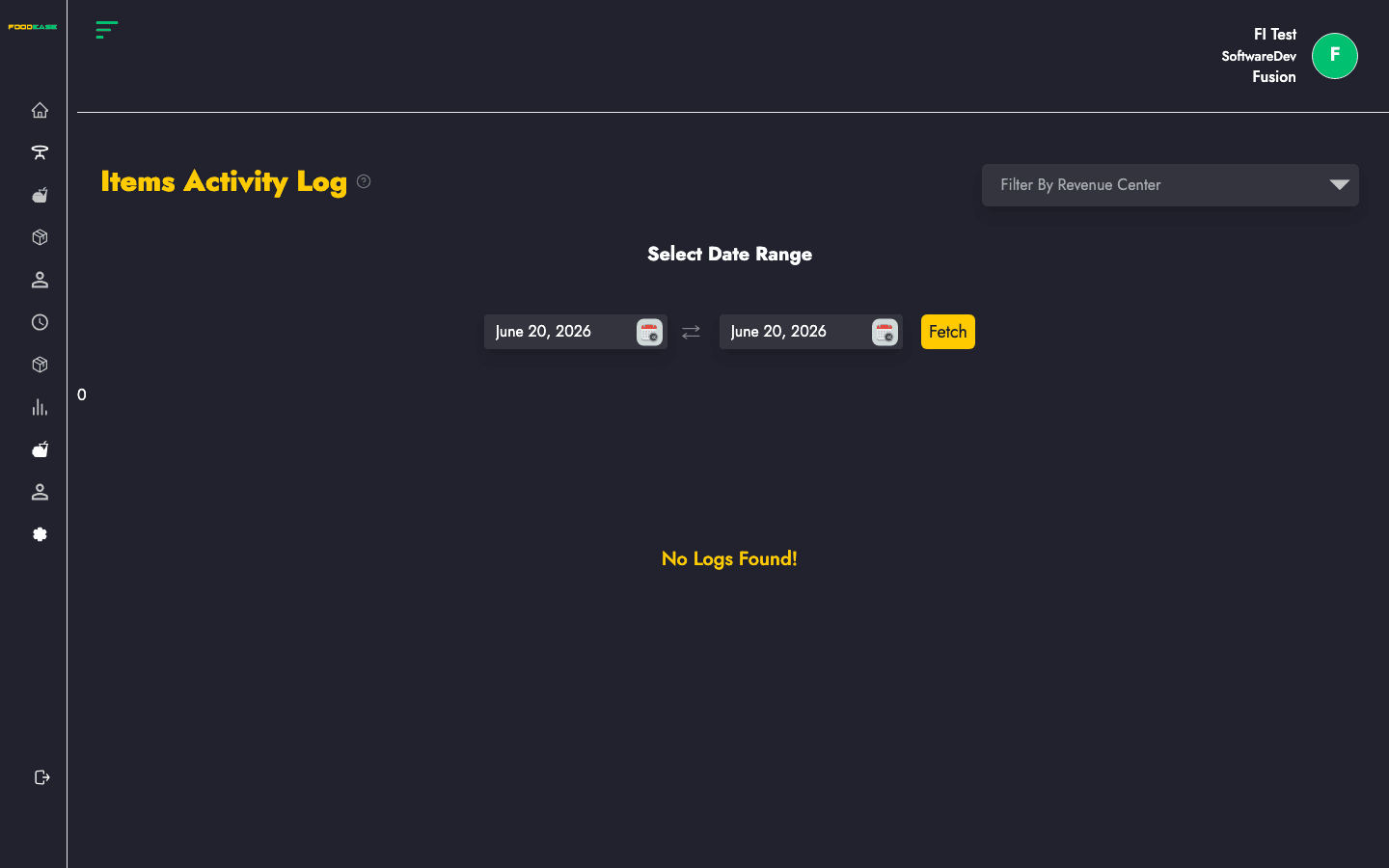
| Area | What it does |
|---|---|
| Filter by Revenue Center | Limit logs to one branch |
| Select Date Range | Choose the period to review |
| Generate PDF | Export the log as a printable PDF |
| Export Excel | Download spreadsheet of log entries |
| Table | Item Name, Activity performed, Staff Name, Date |
When records are available:
.xlsx file with columns: Item Name, Activity Performed, Staff Name, Date Created.Each row shows: