
Channels
Look up channel orders by customer phone number and date range.
In FoodEase Office: Open this page
The Orders page under Channels lets you find orders linked to a customer phone number — useful for support, loyalty follow-ups, and reconciling online or channel sales.
You need the Manage Channels permission (CAN_MANAGE_CHANNELS).
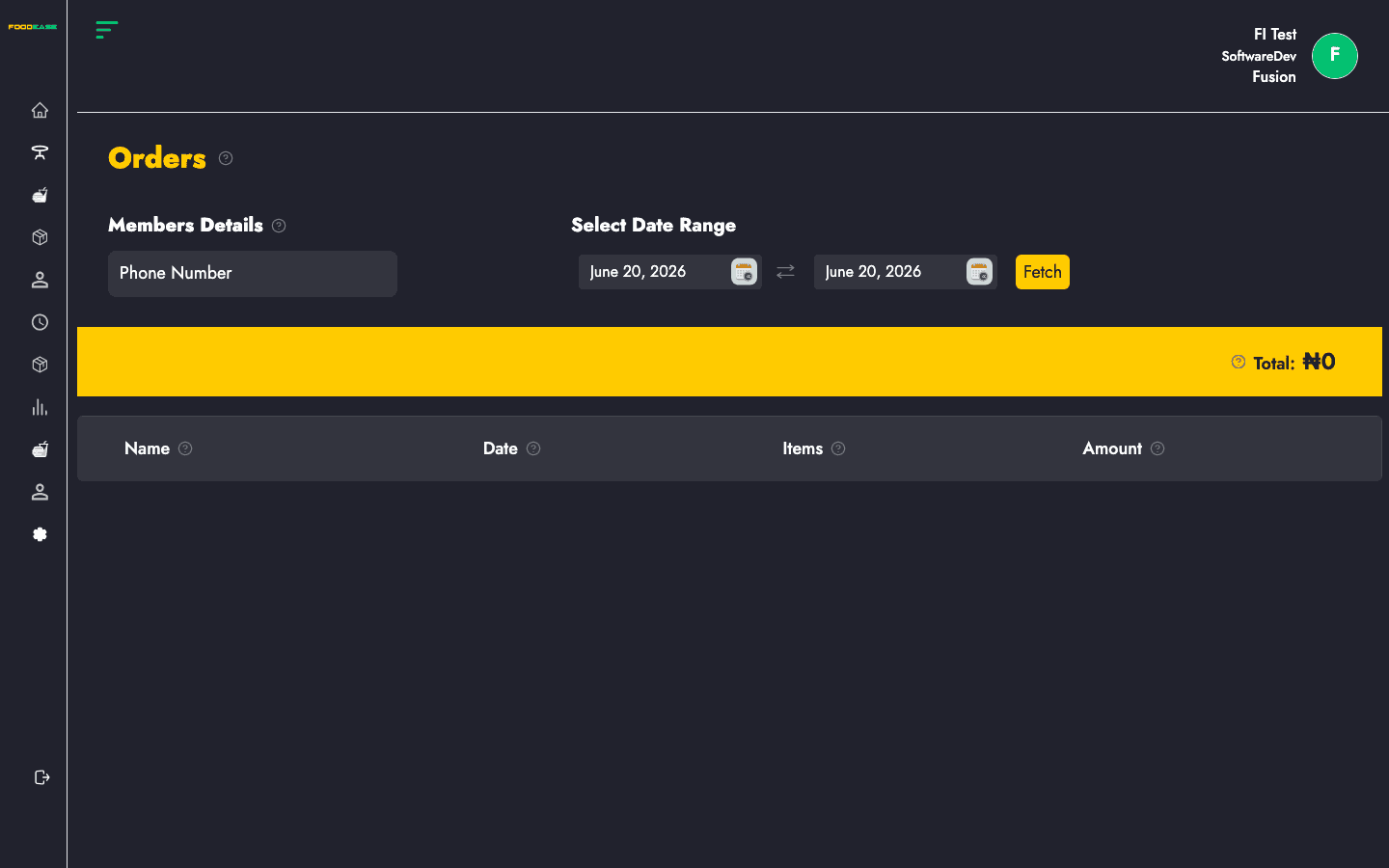
| Area | What it does |
|---|---|
| Members Details | Enter the customer's phone number |
| Select Date Range | Filter orders to a from/to period |
| Summary bar | Customer name and total amount for matched orders |
| Orders table | Individual orders with date, items, and actions |
When orders exist for that number in the range, the yellow summary bar shows the customer name and Total amount. The table lists each order.
| Column | Description |
|---|---|
| Name | Customer name on the order |
| Date | When the order was placed |
| Items | Line items on the order — open to view details |
| Amount | Order total |
Click an order row to open the order detail modal and review individual items, quantities, and prices.
If no orders match, you see No Data Found. Check that: