
Restaurant Settings
Sync FoodEase menu items to your WhatsApp bot catalog.
In FoodEase Office: Open this page
Link Item keeps your WhatsApp bot menu in sync with FoodEase. Push items to the WhatsApp catalog so customers can order through chat.
You need Edit Restaurant (CAN_EDIT_RESTAURANT) and Has Website enabled on Restaurant Info.
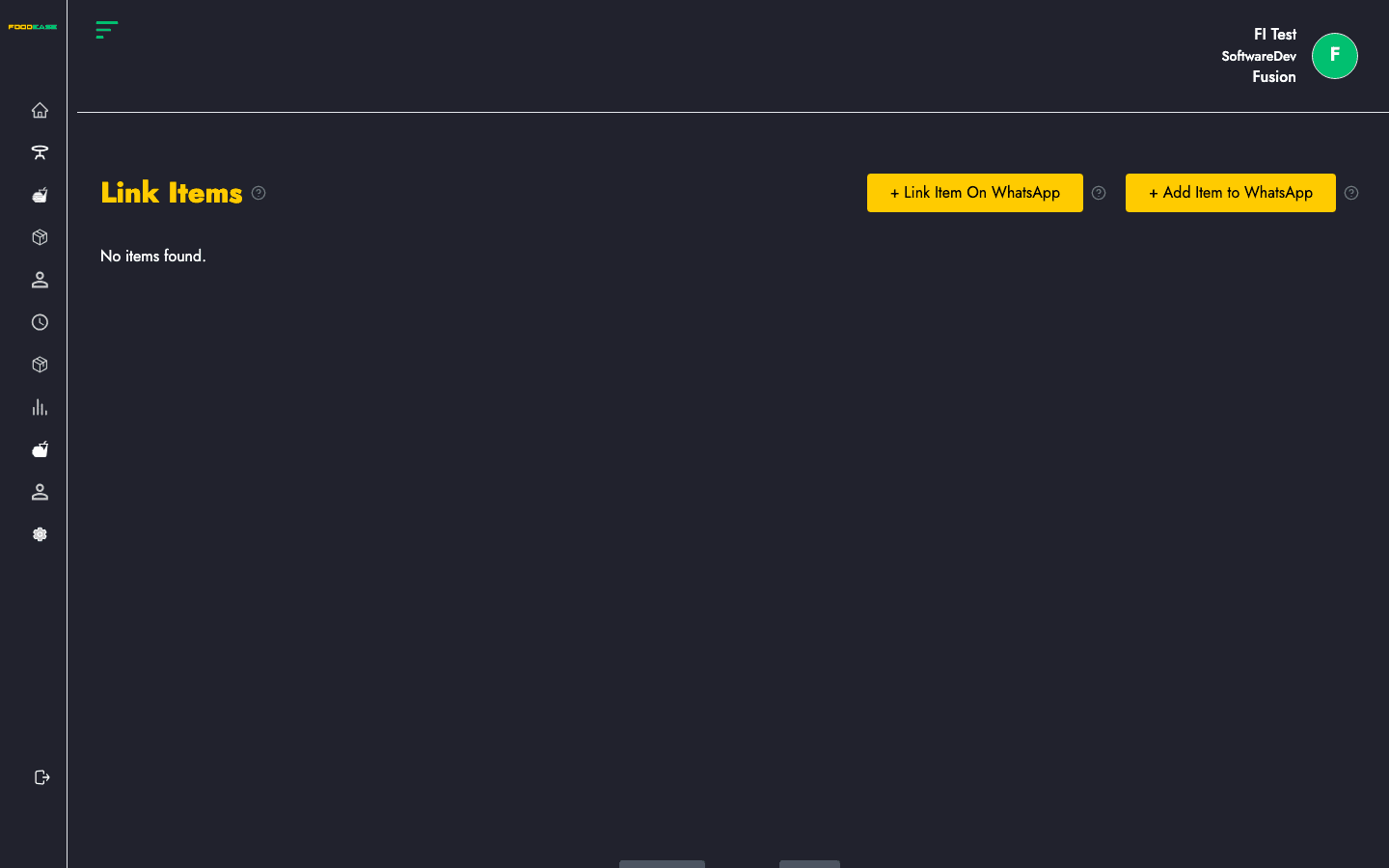
| Control | Description |
|---|---|
| Link Item On WhatsApp | Sync selected or all eligible items to the WhatsApp catalog |
| Add Item to WhatsApp | Shortcut to Items to create new products |
| Item grid | Menu items currently linked or available to link |
| Pagination | Move through large catalogs (30 items per page) |
If sync fails, check that Whatsapp Business shows Active status.
Click Add Item to WhatsApp to open the Items page. Create or edit products there, then return to Link Item and sync again.
Use Previous and Next at the bottom when you have more than one page of linked items.