
Restaurant Settings
Manage system-level Point of Sale configuration for your restaurant.
In FoodEase Office: Open this page
POS Settings holds operational actions that affect your entire POS deployment — currently centred on resetting aggregated Amount Sold metrics.
You need Edit Restaurant (CAN_EDIT_RESTAURANT).
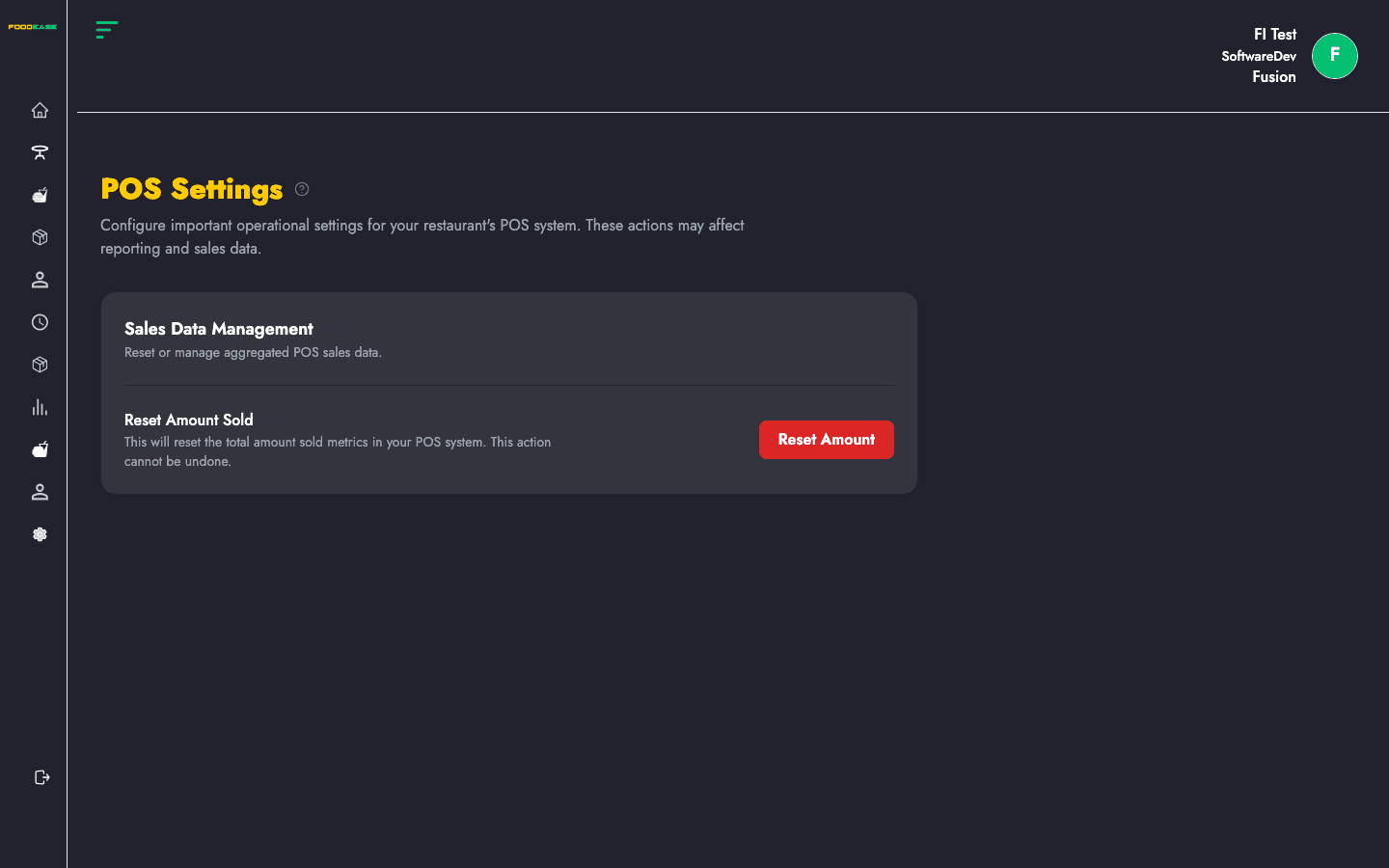
| Section | Description |
|---|---|
| Sales Data Management | POS-wide sales metric controls |
| Reset Amount Sold | Clears total amount sold counters on POS |
This action resets the total amount sold figures tracked in your POS system.
Use with caution: Resetting affects reporting and sales counters. Only perform this during a planned maintenance window or when instructed by FoodEase support. It does not delete individual checks or session history.