
Tables
Configure tax rates applied to customer orders.
In FoodEase Office: Open this page
Sales Tax entries define tax rates added to orders — government VAT, state tax, or other percentage-based levies. Taxes are assigned to Items and applied automatically at checkout.
Users with access to Tables configuration.
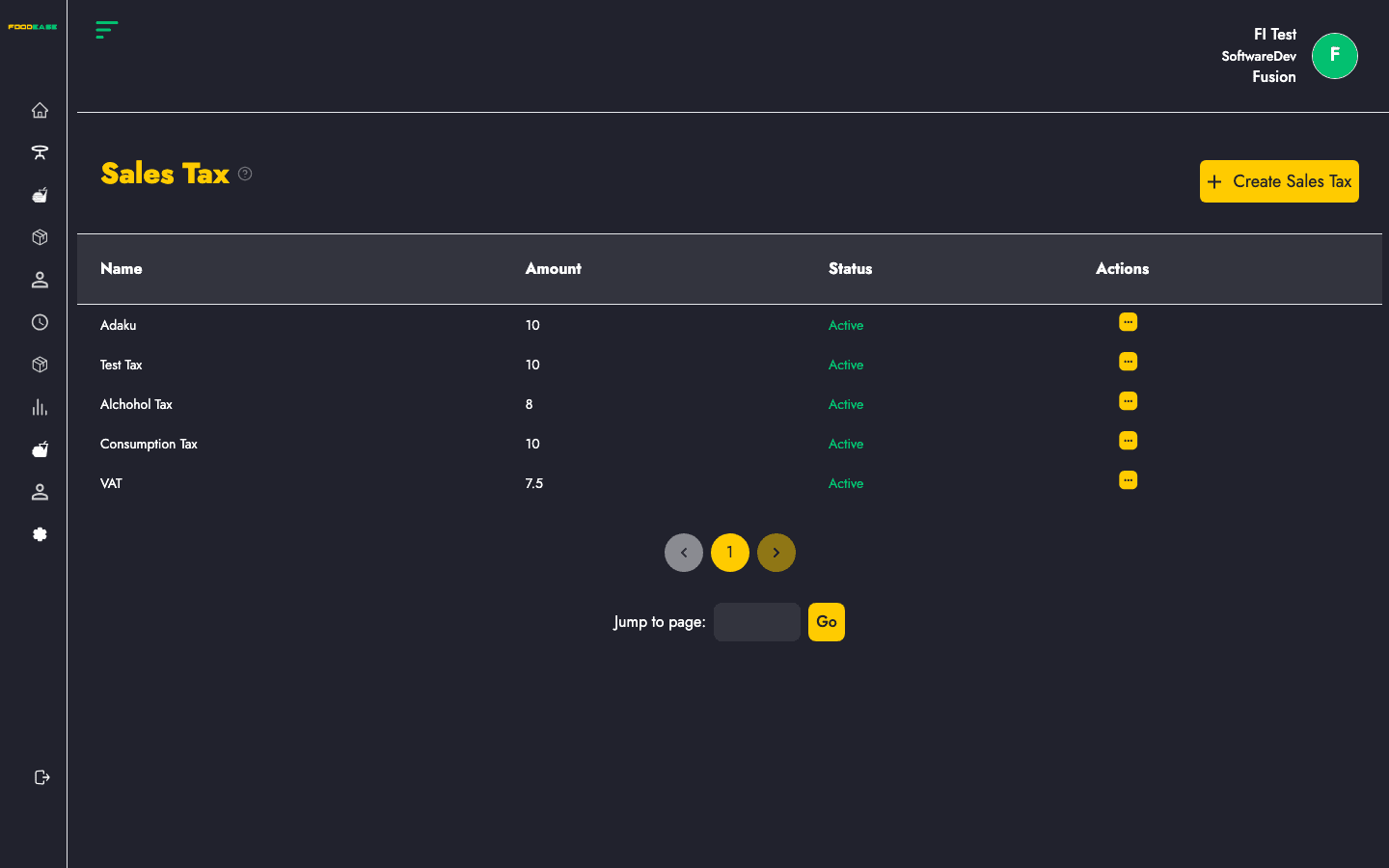
| Column | Description |
|---|---|
| Name | Tax name (e.g. VAT 7.5%) |
| Amount | Tax rate or amount |
| Status | Active or Inactive |
| Actions | Edit or toggle |
Use Actions → Toggle. Deactivated taxes cannot be assigned to new items but historical orders retain their original tax.
After creating tax records:
Items without a tax assigned may not calculate tax correctly on POS — verify during menu setup.