
Reports
Track items removed from open checks before payment.
In FoodEase Office: Open this page
Lists deleted line items with quantities, prices, staff who removed them, and the check they belonged to.
You can also open it directly: Deleted Items Report in Office.
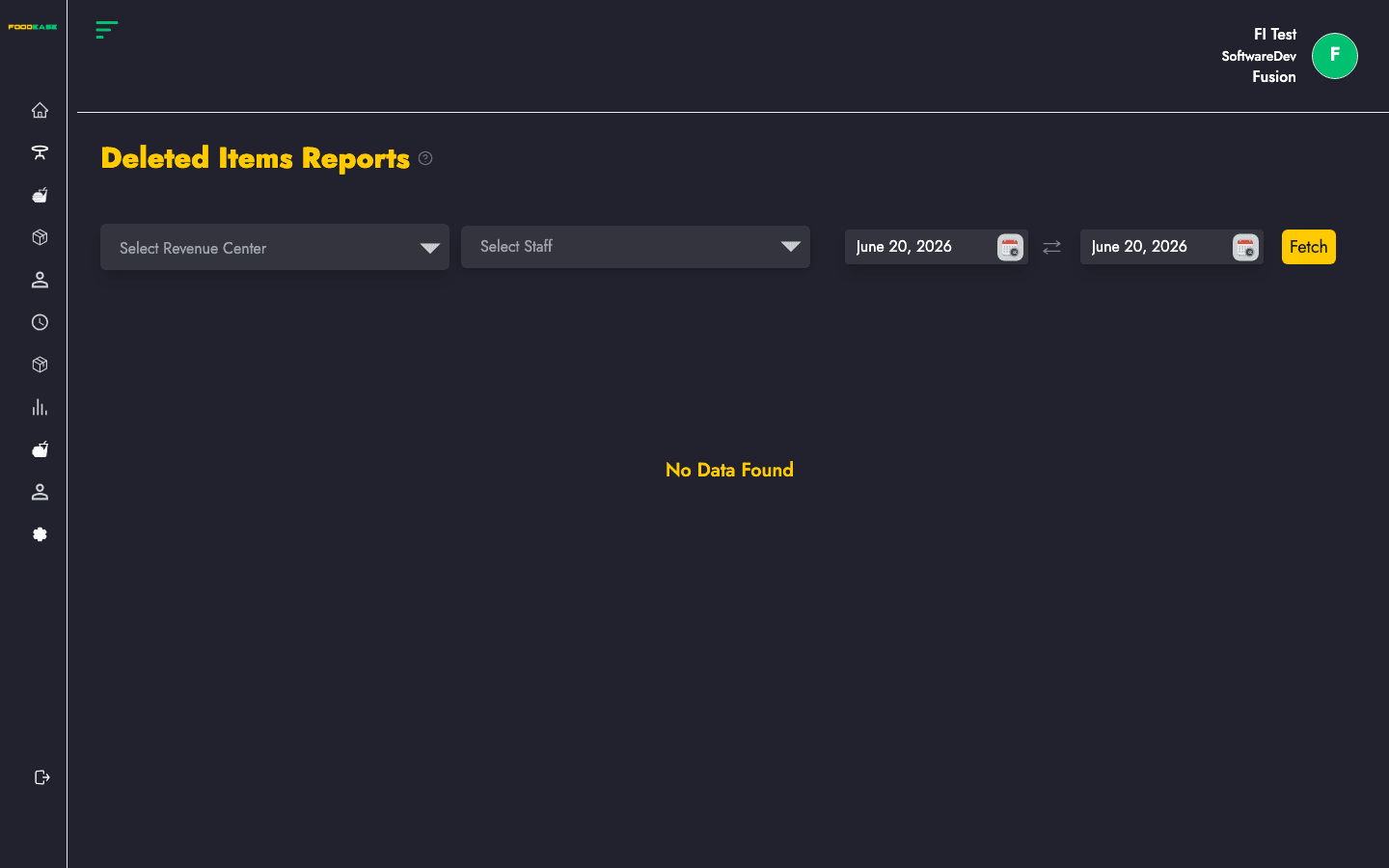
Most reports share the same controls at the top of the page:
| Control | Purpose |
|---|---|
| Date range | Set Date From and Date To, then apply the filter to load data |
| Revenue centre | Optional — limit results to one outlet; leave blank for all centres |
| Print / Export | Use the header actions to print or download (PDF/Excel where available) |
After you set filters, the table or chart refreshes with data for that period.
Lists deleted line items with quantities, prices, staff who removed them, and the check they belonged to.