
Inventory
Record goods received against purchase orders and manage receipt approval.
In FoodEase Office: Open this page
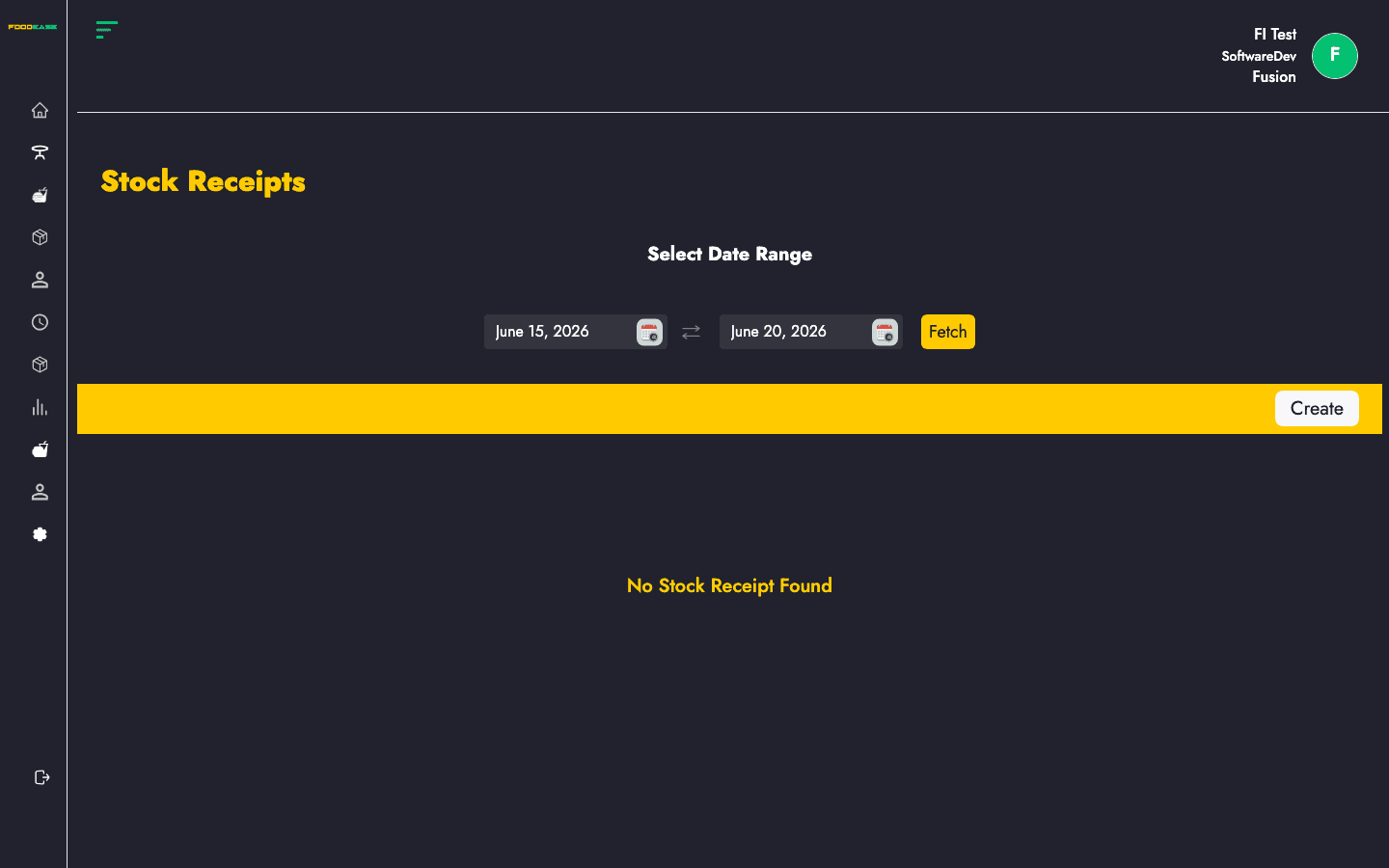
Stock Receipts document inventory received from vendors. Receipts can be linked to completed purchase orders and go through create, edit, and approval steps before stock levels update.
Users need at least one of:
| Column | Description |
|---|---|
| Receipt Id | Receipt reference (click to view) |
| Purchase Order Id | Linked PO (if applicable) |
| Requisition Id | Original stock request |
| Receipt Amount | Total value of the receipt |
| Date Created | When the receipt was created |
| Invoice Date | Supplier invoice date |
| Received By | Staff who recorded receipt |
| Vendor | Supplier name |
| Delivery Location | Store location receiving goods |
| Status | Workflow state |
| Actions | View or edit |
| Filter / tool | Description |
|---|---|
| Date range | Load receipts for a period |
| Vendor | Filter list by supplier |
| Location | Filter by delivery location |
| Generate PDF | Print the list |
| Export | Download as Excel |
| Create | Start a new receipt |
/dashboard/stocks/create-stock-receipts.| Field | Description |
|---|---|
| Invoice Date | Date on the supplier invoice |
| Line items | Quantities and costs received per item |
| Invoice image / PDF | Optional supporting documents |
Receipt lines are pre-filled from the selected purchase order where possible.
/dashboard/stocks/edit-stockReceipt/{id})./dashboard/stocks/view-stockReceipt/{id}) where approvers can Approve or Reject (requires Approve Stock Receipt or Approve Own Receipt as configured).