
Restaurant Settings
Read messages customers submit through your website contact form.
In FoodEase Office: Open this page
Website Contact Messages lists every enquiry sent through the contact form on your restaurant website — names, emails, categories, and message text.
You need Edit Restaurant (CAN_EDIT_RESTAURANT).
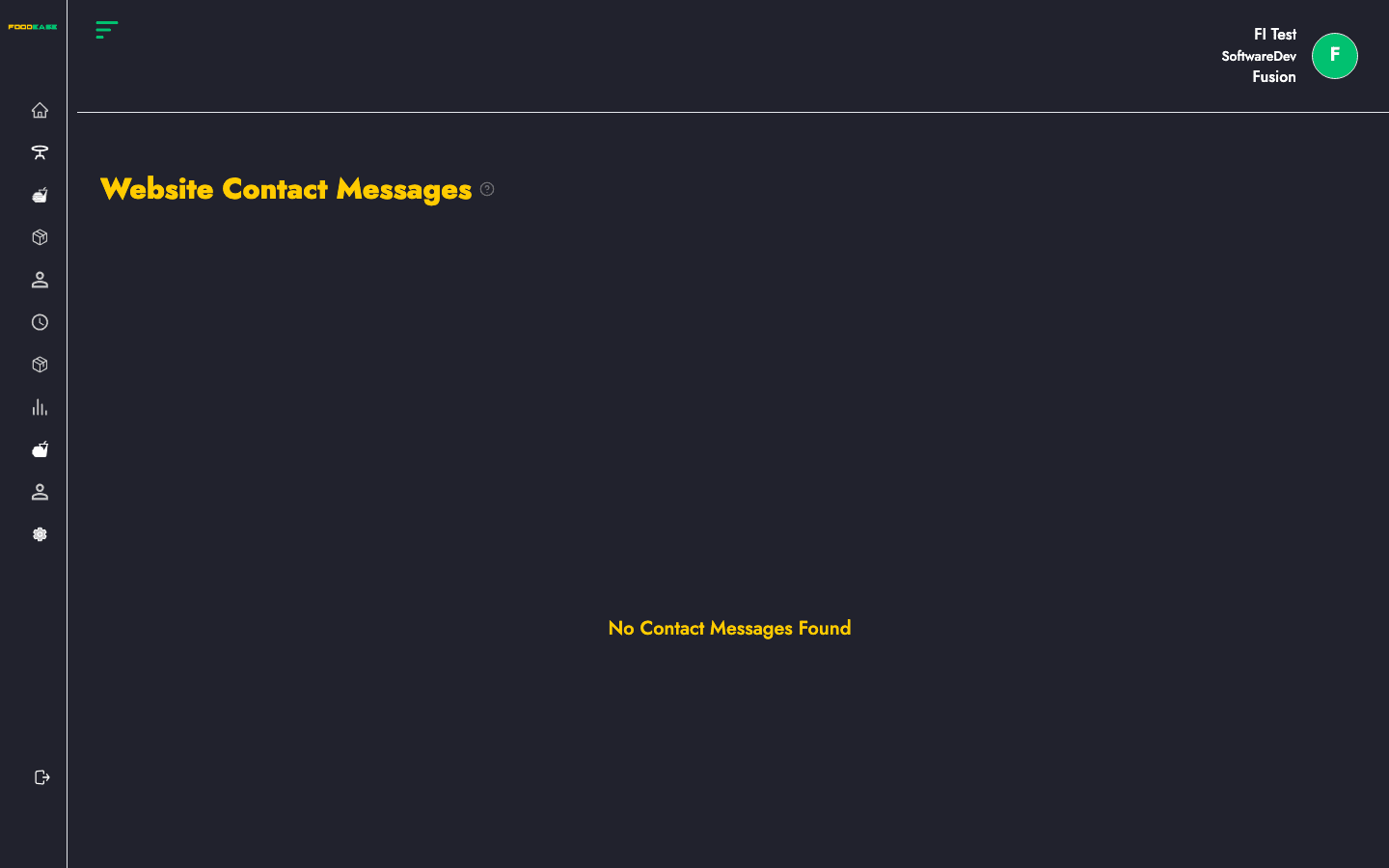
Messages load automatically for your restaurant. The table shows all submissions; there is no create action on this page.
| Column | Description |
|---|---|
| Full Name | Name entered on the contact form |
| Customer email address | |
| Phone Number | Contact number (if provided) |
| Message Category | Topic or category selected on the form |
| Message | Full text of the enquiry |
You see No Contact Messages Found when: