
Inventory
Define named lists of items used for daily stock counts on POS or shift reports.
In FoodEase Office: Open this page
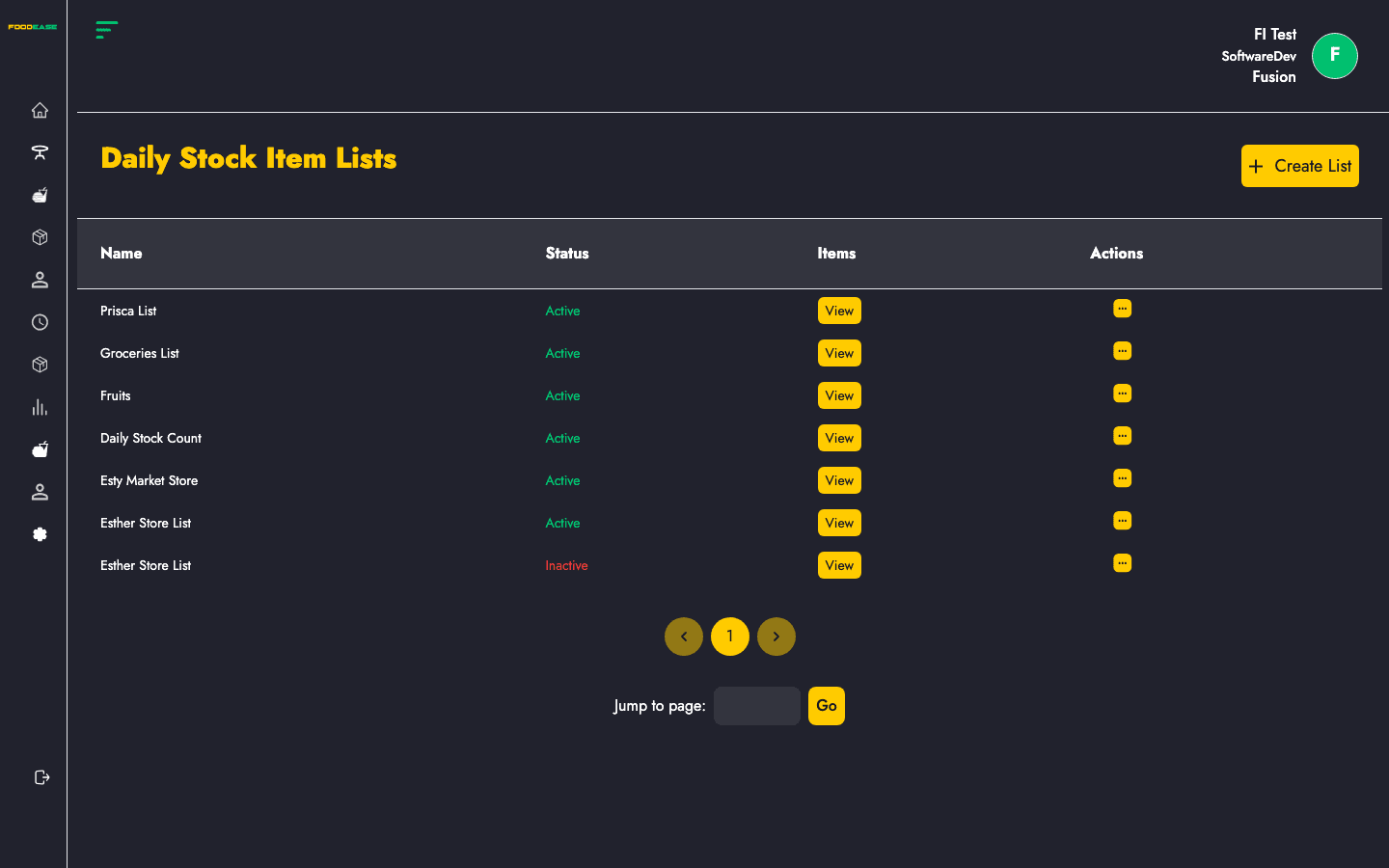
Daily Stock Item Lists are configurable item groups used when staff perform daily inventory counts. Create a named list, add stock items, and activate or deactivate lists as your operation changes.
Users need at least one of:
| Column | Description |
|---|---|
| Name | List label (e.g. bar close count, shift open) |
| Status | Active or Inactive |
| Items | View button to see items in the list |
| Actions | Edit or toggle active state |
| Tool | Description |
|---|---|
| Create List | Open modal to add a new list |
Both a name and at least one item are required.
Use Actions → Toggle to activate or deactivate a list without deleting it. Inactive lists remain in the system but are not used for new counts.
Click View in the Items column to open a read-only modal showing all items on that list.