
Inventory
Audit daily stock additions and deductions by item, location, and activity type.
In FoodEase Office: Open this page
The Stock Movement Log (stock deduction log) tracks how item quantities change over time — opening balance, additions, deductions, closing balance, and a description of each movement.
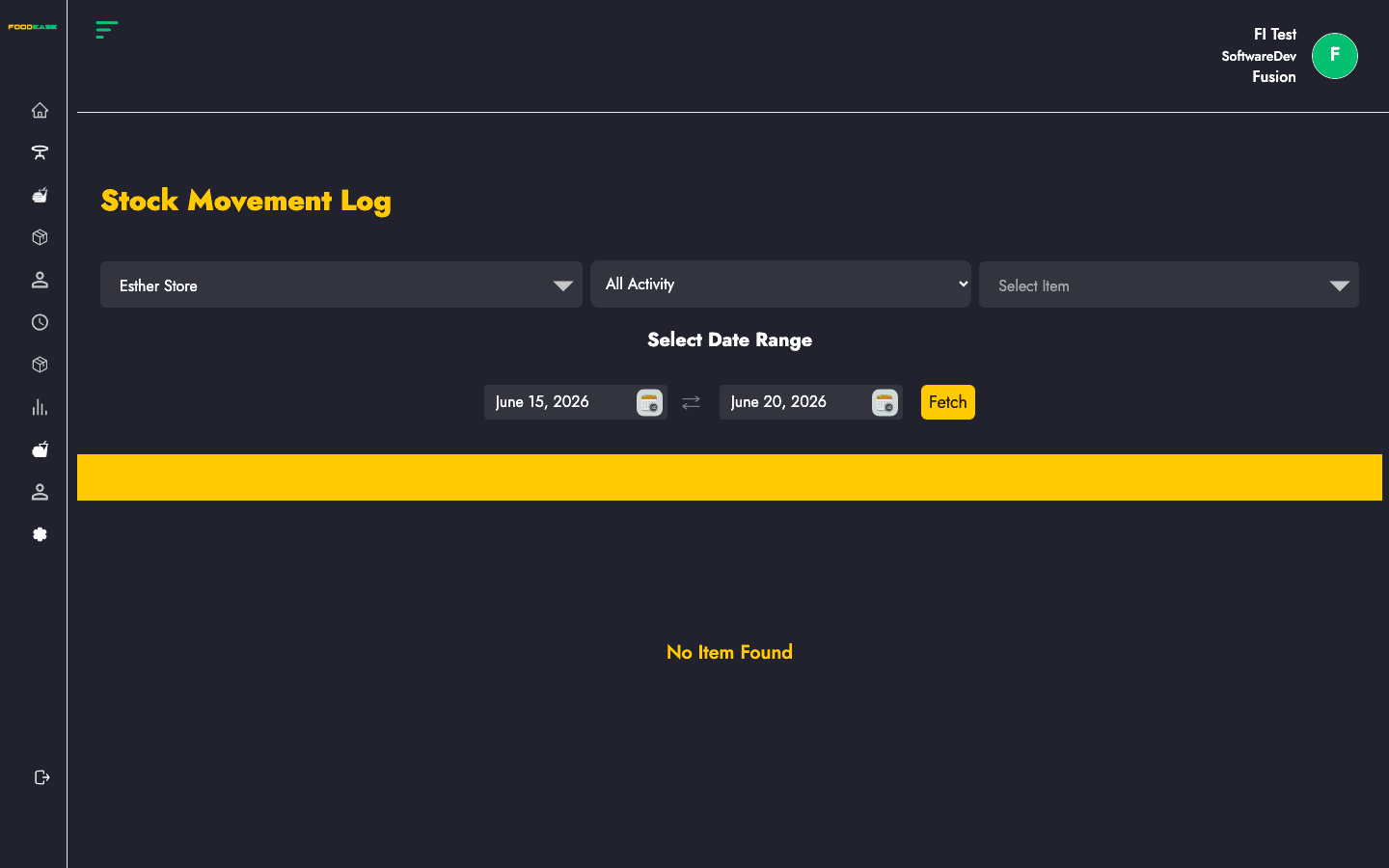
Users need at least one of:
| Column | Description |
|---|---|
| Name | Item name |
| IUoM | Inventory unit of measurement |
| Opening Quantity | Balance before the movement |
| Added Quantity | Stock added |
| Deducted Quantity | Stock removed |
| Closing Quantity | Balance after the movement |
| Date Created | Timestamp of the entry |
| Description | Reason or source of the movement |
| Filter / tool | Description |
|---|---|
| Date range | Period to query |
| Store Location | Defaults to your revenue centre’s location when available |
| Item | Filter by a specific item |
| Activity type | All Activity, Addition, or Deduction |
| Generate PDF | Print the log |
| Export | Download as Excel |